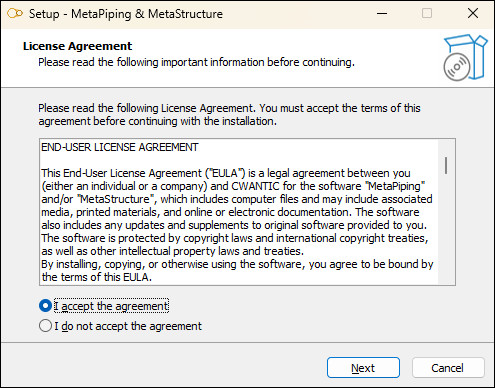
Double-click on the setup file to install the software.
You can install MetaPiping, MetaStructure or both.
3. Activate licence
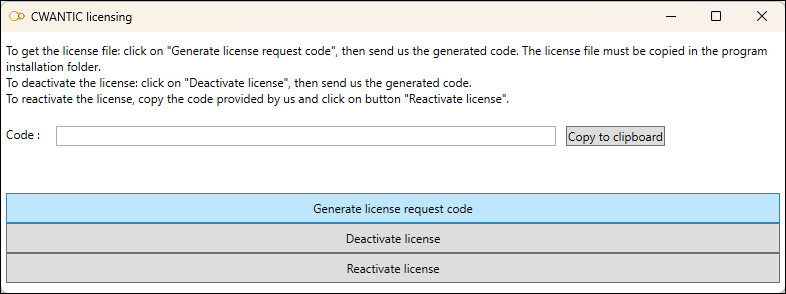
Once the software is installed, launch the program “Cwantic.Licensing.exe” located in the installation folder (by default “C:\Program Files\Cwantic\MetaPiping 20nn”)
Click on “Generate license request code », copy the generated code and send it to sales@cwantic.com.
In return, we’ll send you a license file. Place the license file in the installation folder to activate the software.
A network license is also available
4. Free trial
Feel free to request a 30-day trial license.
The installation/activation procedure will be the same.